Simple GPX Tracker
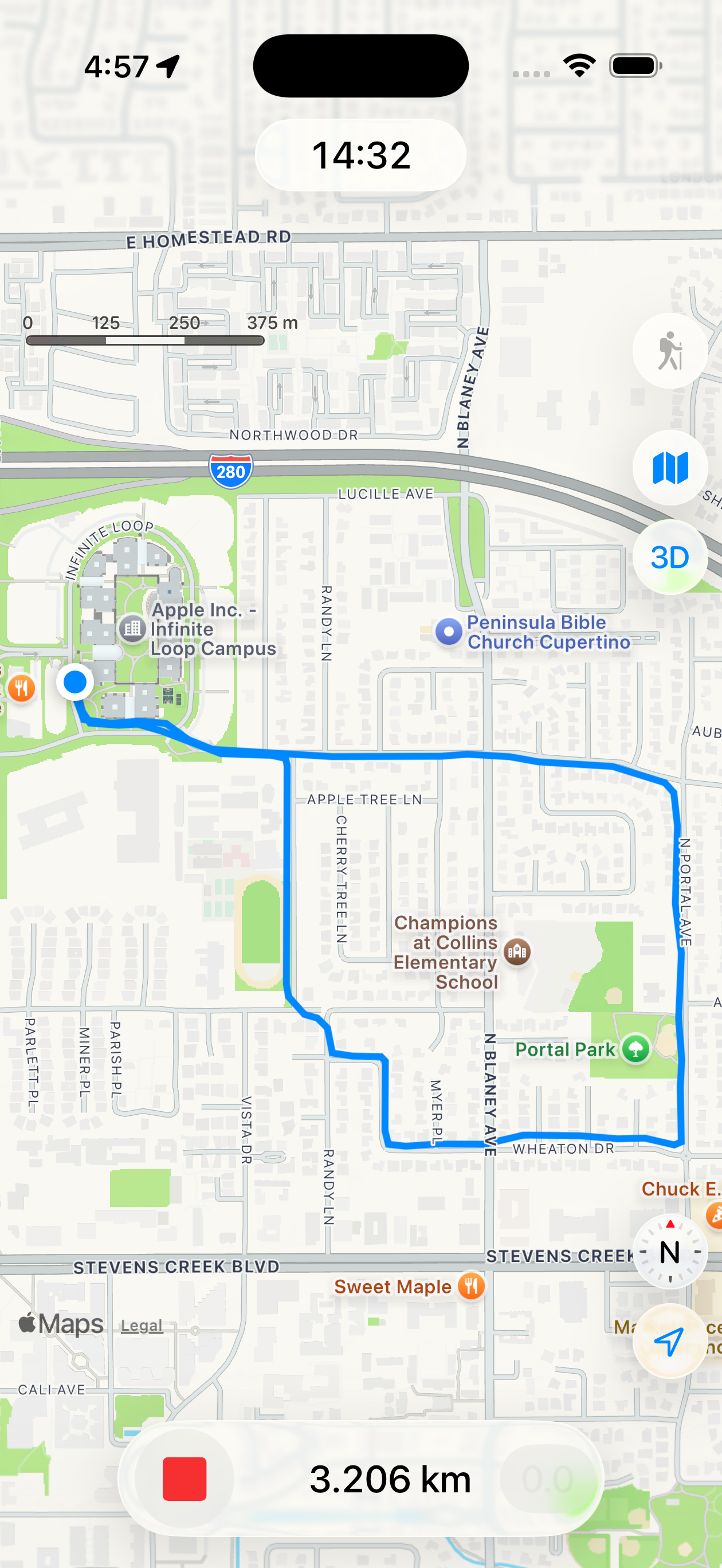
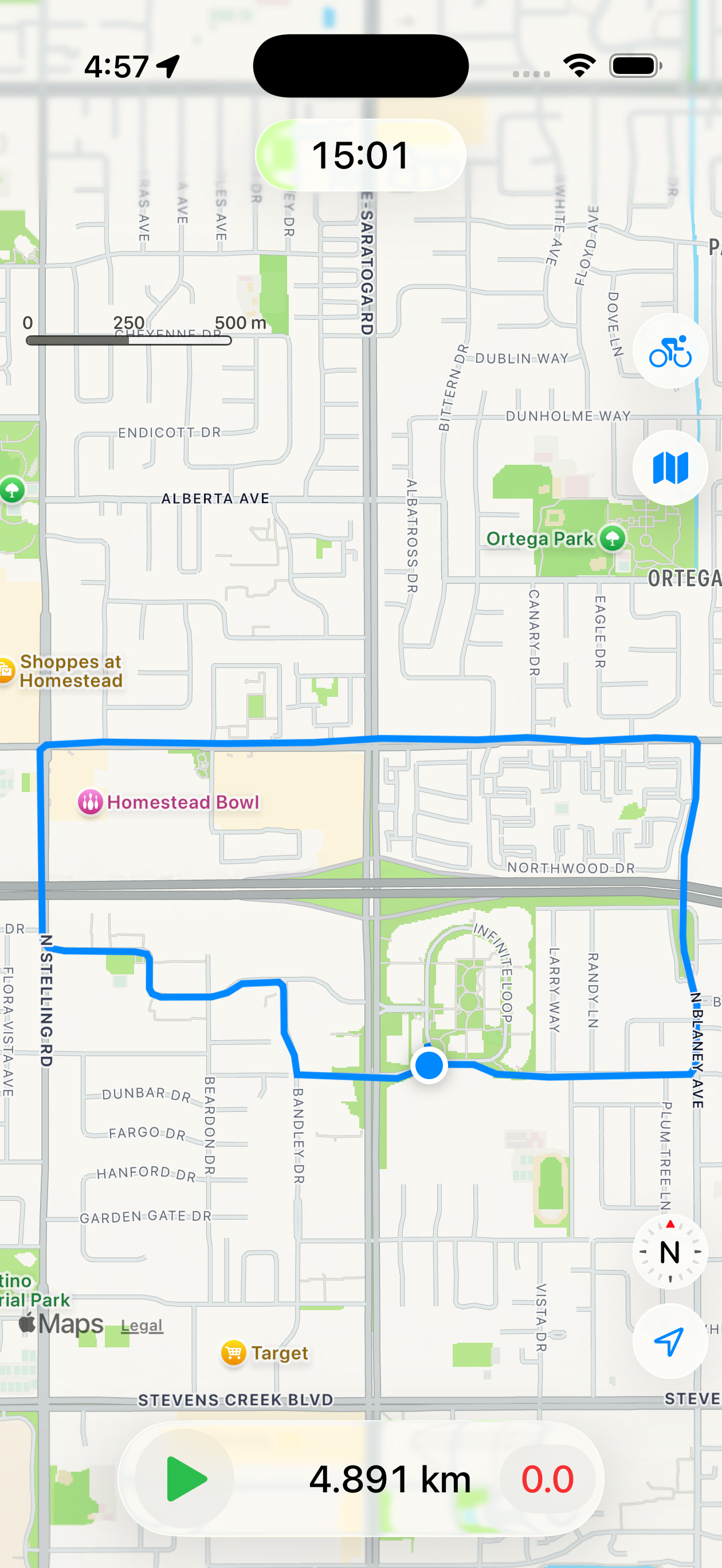
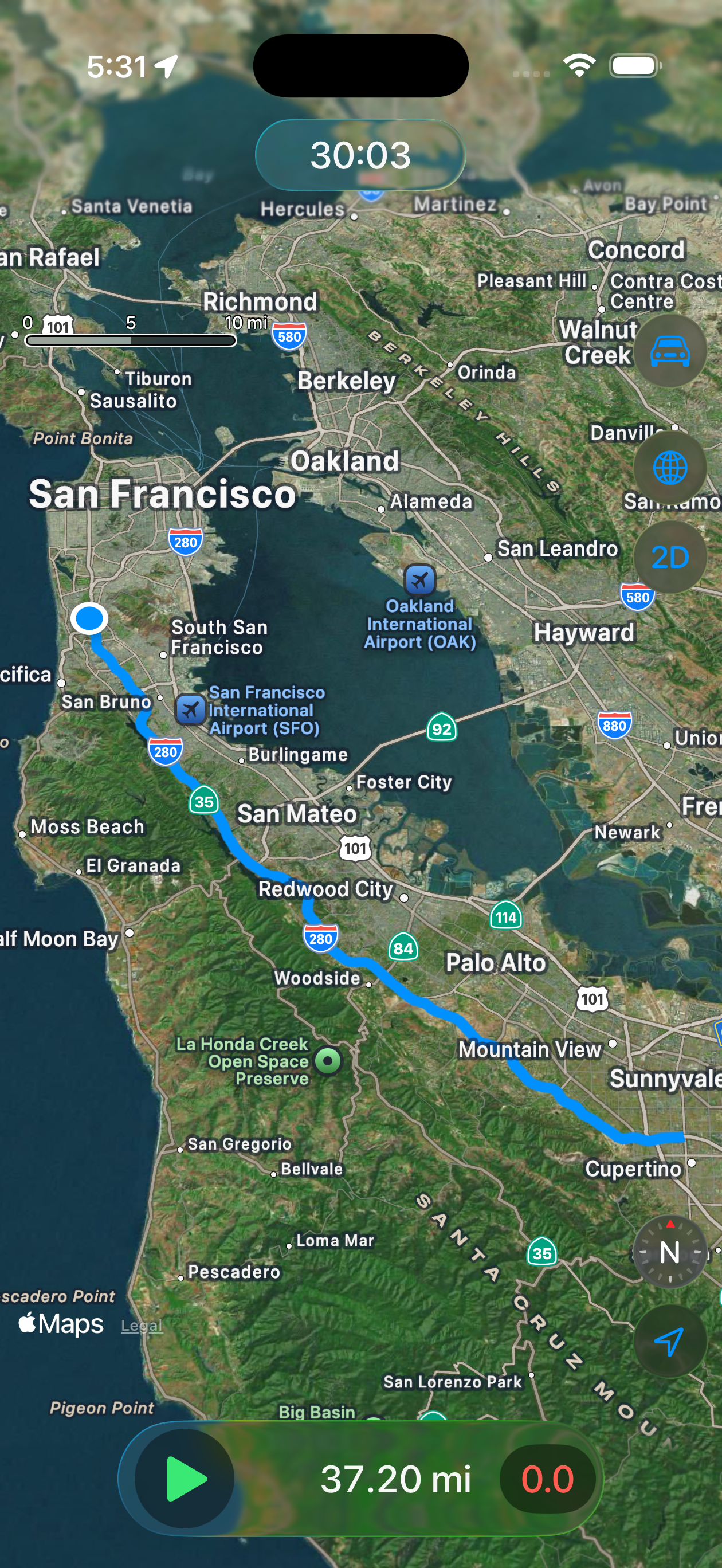
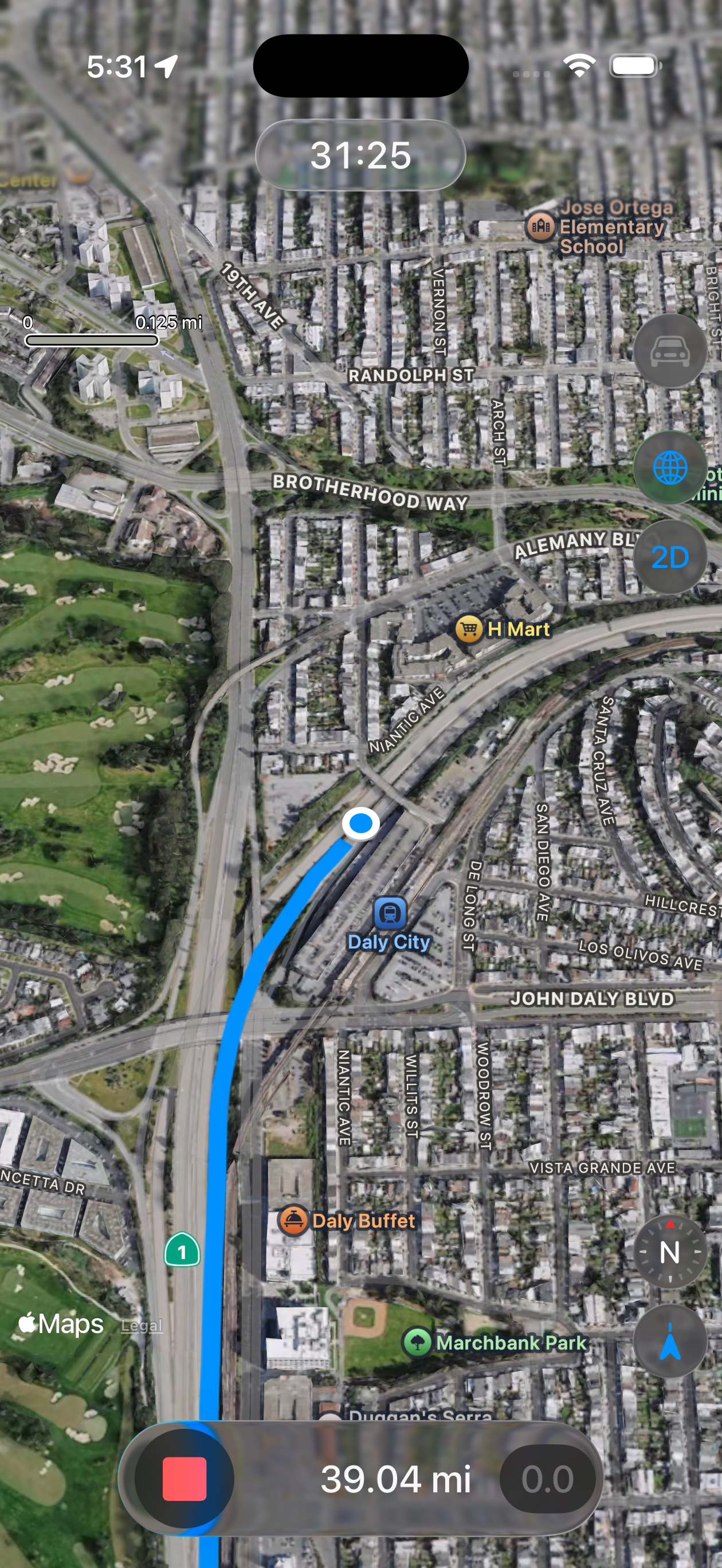
Simple GPX Tracker is a minimalist location tracker for the iPhone (and iPad Pro). No routing, no waypoints, no geocaching, no statistics, just a track in a GPX (GPS Exchange Format) file.
Its intended purpose is to live quietly in the background and keep track of your location for geotagging. This is the typical “scratch your own itch” project. I am still lugging around an ancient DSLR camera without a build-in GPS, and have to geotag my photos in post. For that purpose I carry a separate Garmin GPS, which is bulky, cumbersome to charge, and has a user interface from a previous civilization. While in my other pocked lives a brand-new iPhone, which sports a GPS system of comparable quality, discarding all its precious location data.
All my earlier attempts to build this app were frustrated by battery concerns. My old iPhone 8 would run through a full charge in about 4 to 5 hours under “challenging” GPS conditions. Other tracking apps I tested did not fare much better. When I recently replaced the 8 with a 17e, I dusted off the old XCode project and was immediately confronted with a hailstorm of depreciation warnings. It turns out that Apple, in the meantime, had introduced a whole new system to handle location updates: liveUpdates. So, time for a complete restart. Now with SwiftUI, Swift Concurrency and liveUpdates.
On my iPhone 17e this location tracker consumes between 1%-2% battery charge per hour running in the background, which is a huge reduction compared to the old version. A significant portion of this improvement is probably due to the evolution of the GPS hardware (chip), but I also get the impression that liveUpdates is smarter in optimizing its sample rate and accuracy. Other tracking apps also show considerable improvement on the new hardware, but less consistent.
The tracking is optimized for geotagging photos. We want to avoid the “rat's nest” of segments when stationary, especially in an area with bad GPS reception. Also, the weird outliers that are prevalent in build-up areas and mountain valleys, because of reflections of the GPS signals. We therefore filter the location samples based on the distance between them and their accuracy. This is still a work in progress and requires a lot of field-testing.
The user interface has been kept as simple as possible.
The map has the same view controls as the standard Apple Maps App.
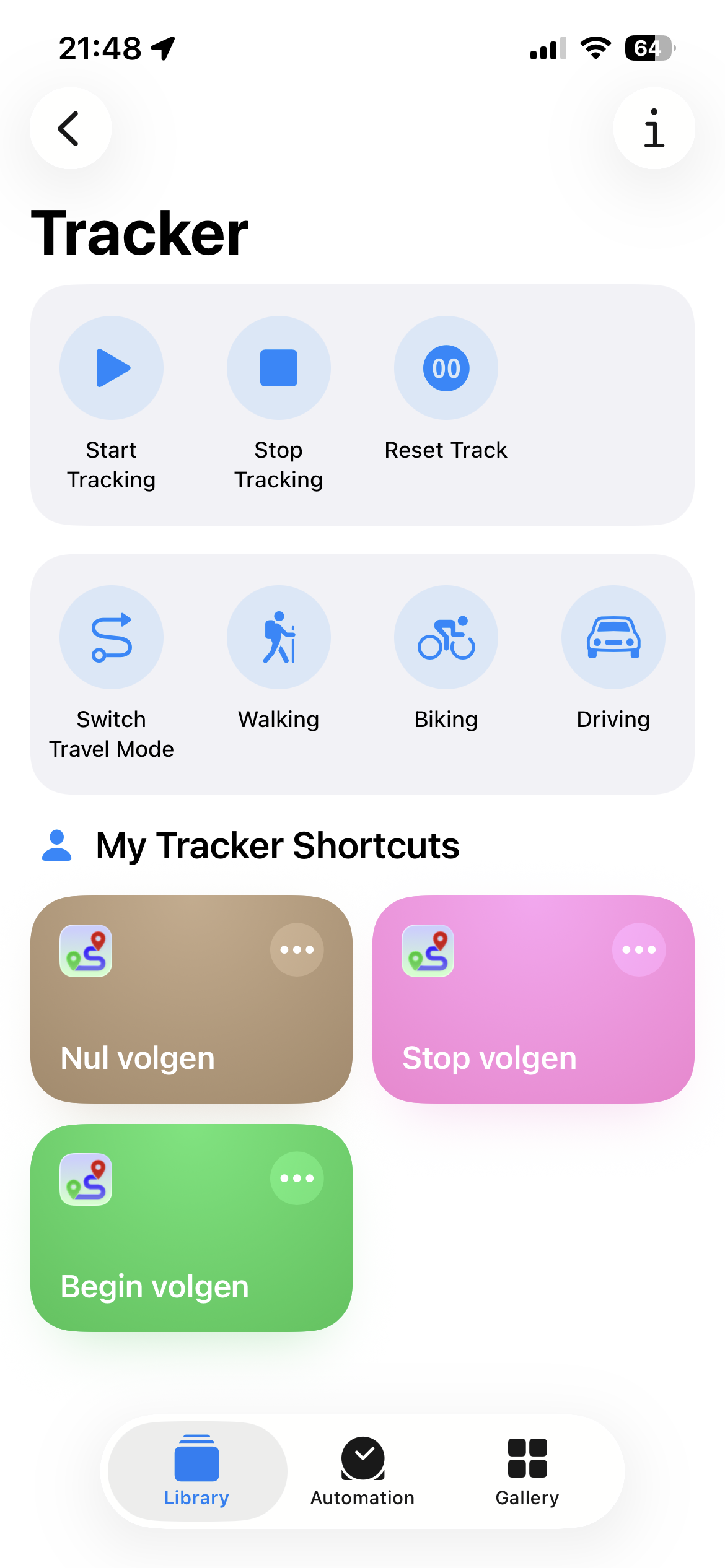
The tracking is controlled with three buttons:
start: ▶︎ /
stop:◼︎️
and reset: 0.0.
The start button starts or continues the recording,
the stop button stops the recording and saves the recorded track.
The reset button sets the track back to zero, ready for starting a new recording.
The tracks are saved to a GPX file named after the timestamp of their first location.
So stopping and re-starting (without resetting) continues the same track.
The latest version also auto-saves the track to file every five minutes. So even when the phone battery runs out, most of your daily activities are safe.
There is a toggle button to select the travel mode (top-right): hiking, cycling or driving. These modes map to predefined GPS data collection profiles from Apple. Hiking mode has the lowest power consumption and also uses other sensor data to minimize drift when stationary. Cycling mode uses more power but has higher accuracy while moving. Driving mode has the highest power consumption and forces the track to the street map. It is possible to switch travel mode when the tracking is paused (Stop/Start).
The location tracking algorithm can detect when the iPhone is stationary. The criteria differ per travel mode. In hiking mode the iPhone will also use its sensors to determine if the device is physically moving. When stationary, the Stop button turns from red to orange, and all timers are stopped, so the App enters power-save mode.
The management of the GPX files is delegated to the standard Files App. The Tracker Documents Folder can be found under the Location “On my iPhone”. I usually use AirDrop to copy the track files to my Mac for further processing.
Watch Companion App
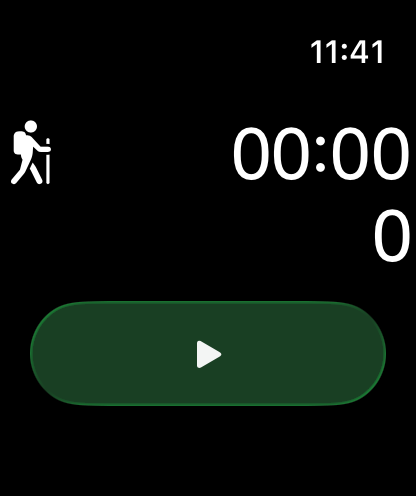
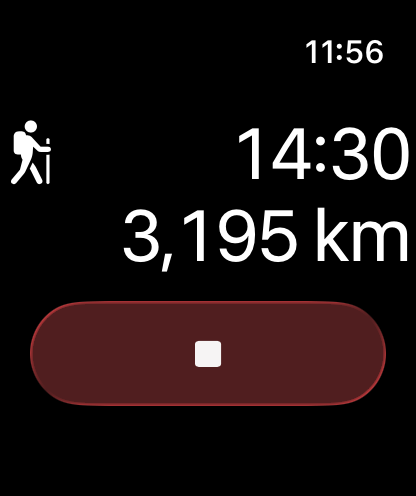
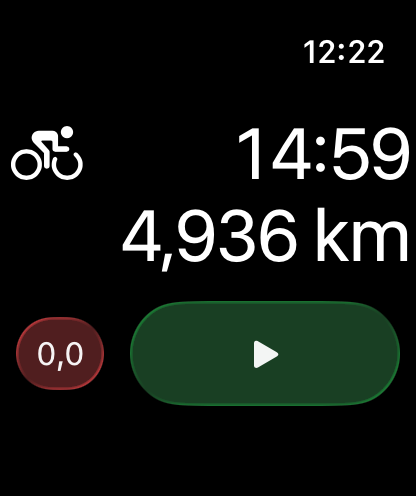
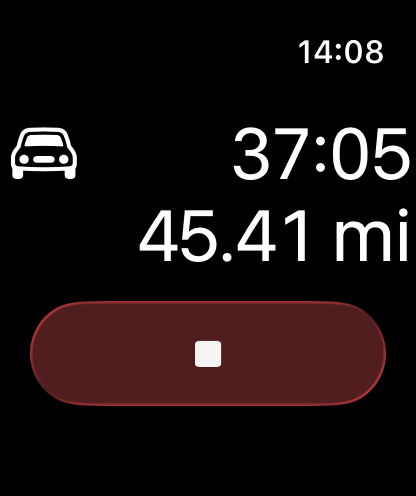
Simple GPX Tracker has an Apple Watch companion application. It shows the track distance and travel time, plus the Start/Stop button. This way, the basic functions are accessible, while your iPhone can safely stay in your backpack or luggage. When the tracking is stopped the interface also provides a reset button when a track is present. The Travel Mode icon can be tapped to cycle through the different modes.
The Watch App has no stand-alone functionality. The location tracking runs entirely on the paired iPhone.
Widgets and Watch Complications
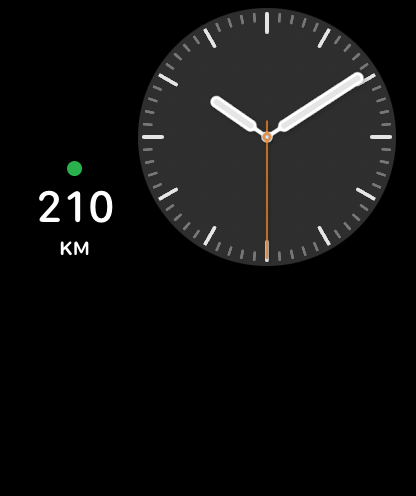
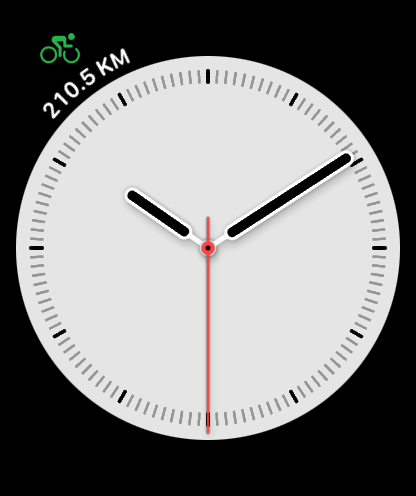
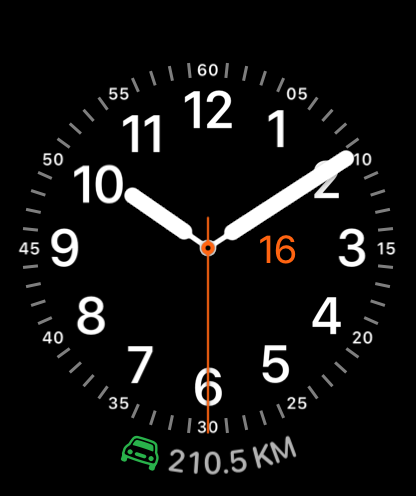
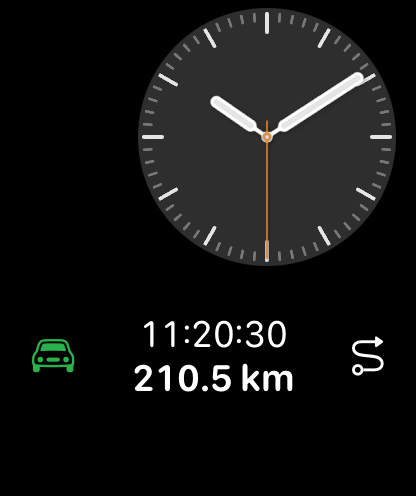
Both the iPhone App and the Apple Watch App now have the full complement of Widgets. These can be placed one home screens, lock screens and watch faces. They will synchronize with their main Apps, but rather unpredictably. Widget updates on mobile platforms are extremely throttled by the system to save power. With trial and error I established that an update interval of about 20 minutes would get a pass and actually update the widgets. Anything faster and the widgets would just freeze after some time. This throttling behavior makes widgets less than useful to actually follow your progress, but they still tend to reliably show the state of their main App (running/stopped), and provide a convenient shortcut to the App, especially on the watch face. A widget (or complication) on the main watch face will also receive the highest update priority. This update priority changes over time, based on usage patterns.
I myself am especially partial to the Circular accessory on my Modular watch face.
Intents and Shortcuts
Both the iPhone and Watch Apps exposes their user interactions as App Intents to system features like Siri, Apple Intelligence, Spotlight, Widgets, the Shortcuts app, and the iPhone Action Button.
On iOS the “Start Tracking” Intent/Shortcut will bring the Tracker App to the foreground in order to claim a background session. The App can be immediately manually dismissed. (All other Shortcuts can run completely in the background.) This is of course inconvenient when the iPhone is locked and in your backpack, and you would like to control the tracker with voice commands. The only solution here is to leverage the Apple Watch. The active Watch App can control a locked iPhone as the Watch is seen as an extension of its own screen. When the Watch is unlocked we can use Siri to interact with the Intents/Shortcuts of the Watch App.
All App Intents are associated with Siri Shortcuts. Each shortcut is associated with a variety of trigger phrases (for now only in English). Unfortunately, as of iOS 26, it is very difficult to steer Siri towards controlling the Tracker App, especially when language setting of the phone is non-english. Also, most of the obvious trigger words for location tracking are already associated with other, often first tier, applications. Siri on the Watch is less sophisticated than Siri on the iPhone, so the Watch will often hand off the interpretation of the phrases to the iPhone. The iPhone will then perform the recognized intent locally and run into the lock screen again. It sometimes works, but to be honest, the frustration level is too high for it to be useful.
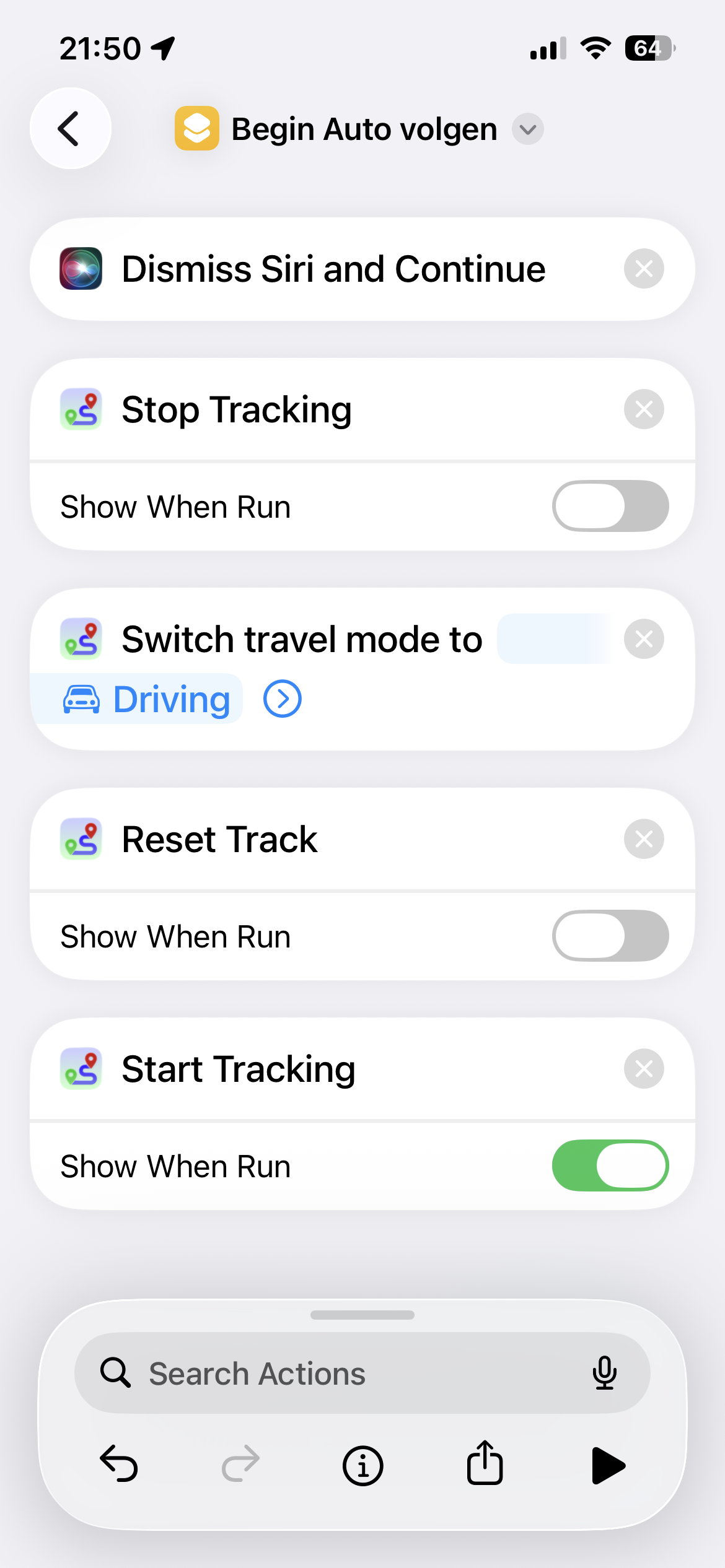
There is a workaround that always succeeds and that is to define your own shortcuts in the Shortcuts App on the iPhone. User-defined shortcuts get a front row seat in Siri. If you create a new shortcut that calls (contains) the Tracker intent “Start Tracker”, and give it a short and unique name, Watch-Siri will recognize it and call the “Start Tracker” intent of the Watch App. The Watch App will open and take control. All Intents on the iPhone have a matching Intent on the Watch, so a Shortcut like the example below “Begin Auto volgen” (Dutch for “Start tracking my Car”) can either run completely on the iPhone or completely on the Watch, depending on where the Shortcut was triggered. But when the iPhone is locked or inaccessible the shortcut must be initiated on the Watch, either through a complication or by a Siri command. Note that AirPods are usually paired with the iPhone, and will hijack the Siri command before the Watch gets a chance.
Pay special attention to the first action in the Shortcut: “Dismiss Siri and Continue”. This seems to be a special requirement of Siri on the Watch, which runs in a very restricted environment. Without it the execution will hang after the first action, because Siri will go to sleep again before it gets the first response. With this action Siri will immediately step aside, and effectively hand the execution to the Shortcuts App on the Watch, which has significantly more resources available. (At least this is how I understand the process 🤷♂️)
Simple GPX Tracker is available as a free App for the iPhone and the iPad, and can be downloaded from the App Store. On the iPad a GPS tracker is only useful when it actually has a GPS chip, so only on the Cellular models.

Support
Despite the care taken in the development of Simple GPX Tracker, you may experience problems or crashes. If so, ensure that a crash report has been submitted and/or contact Simple GPX Tracker support.
Privacy Policy
The Simple GPX Tracker application does not collect, transfer, store or use any personal information.
If you send an email requesting support, your email address will be retained on our servers.